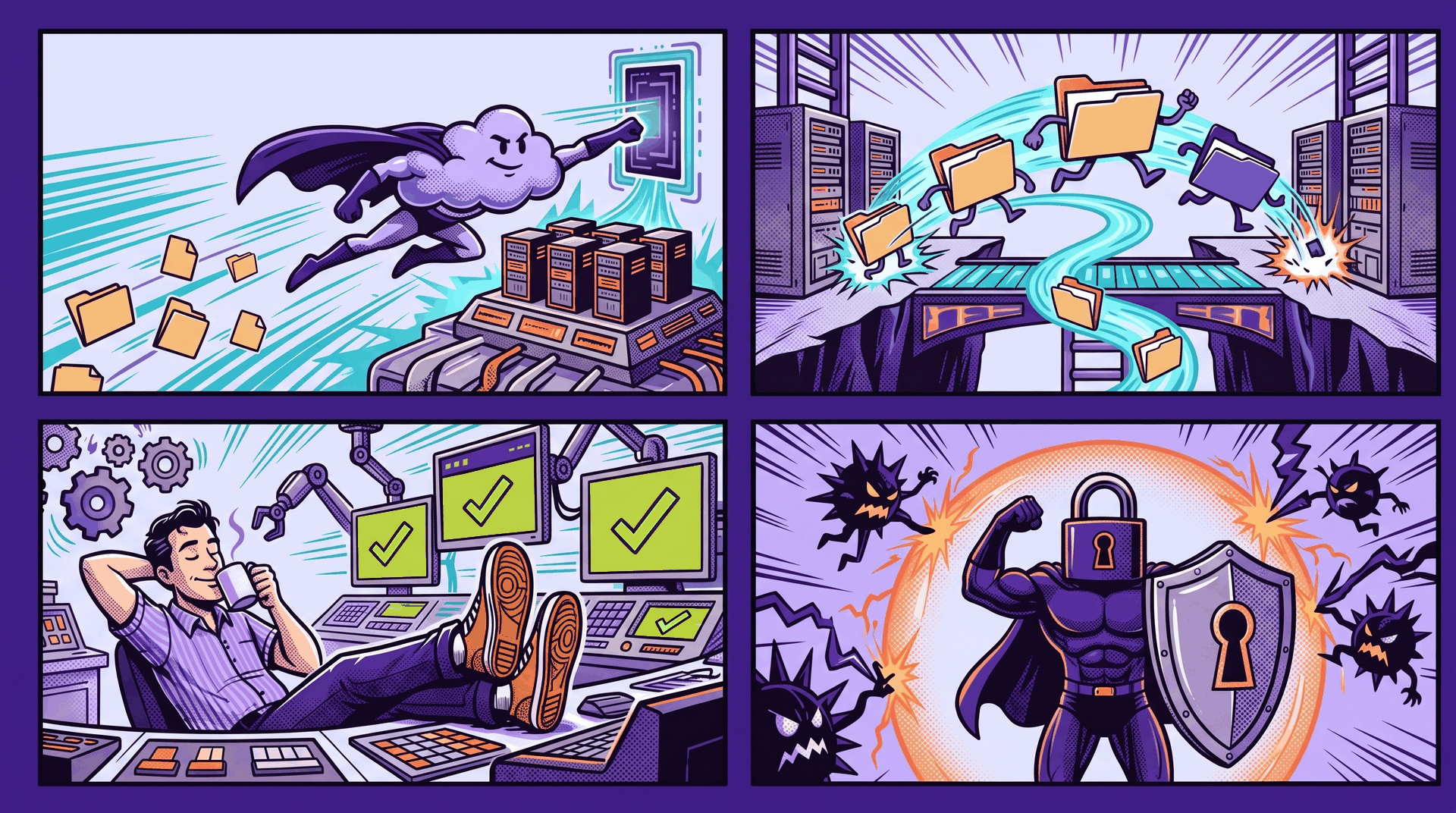
Nutanix Files 5.4 focuses on practical work: running file services in public cloud, moving data without a capacity surprise, giving admins tighter control and hardening the file server itself.
File services rarely get attention when they work. That changes quickly when replication saturates a link, a migration fills the target or an operator needs broad admin rights to close one open file.
The release is organized around four areas, but the common thread is operational control. It deals with several problems that tend to appear after deployment, when the design meets real traffic, real access boundaries and real security policy.
More options for native Files in public cloud

Native Files deployments gain replication throttling before tiering on the target. Replication traffic can be controlled before the target begins moving colder data into object storage.
The underlying tiering model is familiar. Files can move cold data from the block storage tier to Amazon S3 or Azure Blob storage. Administrators can choose lenient, balanced or aggressive tiering according to how much data they want to retain on block storage. The full metadata and pointers remain on primary storage, so tiering does not turn the object store into a second, independent file system.
Files 5.4 also adds Secure UEFI Boot for native Files in Azure and AWS. This protects the FSVM boot path, an area that deserves the same attention as encryption and access policy. The release also adds AMD based compute choices for native Files. The product guide lists qualified AMD instance types alongside Intel options, including m7a and r7a families on AWS and Das v5 and Eas v5 VM types on Azure. That gives teams more placement choices when capacity, regional availability or price makes one processor family preferable.
Data migration without the capacity surprise

Large file migrations create an awkward temporary condition. The target must hold incoming data while the migration is still running, so available primary capacity can become a constraint.
Files 5.4 supports tiering during data migration without space overuse or migration failures. The system can place colder data on secondary object storage while migration continues, without requiring an administrator to stop the job and manually clear capacity.
Smart Tiering keeps file metadata and pointers on primary storage while transferring cold file data to the configured object store. Policies can include or exclude shares and use file size and cool-off periods to determine eligible data.
The release claim is lower hardware cost while supply remains constrained. It also removes manual intervention from tiering during the migration, so administrators do not have to watch the job and start that action themselves.
Less admin access for routine operations

Broad administrator access is a bad answer to a narrow operational task. Files 5.4 adds delegated open file management for non-admin users, so teams can assign that work without handing over full control of the file service.
The delegation model uses Prism Central role-based access control. Non-admin users receive access through an authorization policy tied to a built-in or custom role. Files denies access by default until that policy exists. RBAC requires Prism Central microservices infrastructure and applies to Prism Central users, not ordinary Files users.
Networking improves for Prism Central deployed file servers with Multi-VLAN and IPv6 support. These are separate network choices, and they should be planned that way. The Files guide notes that multi-VLAN is designed for cases such as address exhaustion, client isolation and multitenancy.
Disaster recovery gains automatic transition to the Smart Sync engine as the default path. Smart Sync works at file-level granularity and can consolidate data from multiple source file servers onto one target. Policies are created from the target Prism Central instance, though they can be monitored from either side. Source and target protocol support must match, and administrators should review path collision and policy interoperability limits before relying on it.
Stronger controls around data and administrator access
NFSv4 over TLS is the security feature I expect many teams to notice first. It provides in-flight encryption for NFS share data without requiring Kerberos or Active Directory for authentication, with near-native performance compared with Krb5. An SSL certificate must be configured before TLS can be enabled, and clients and servers still need matching NFSv4 identity mapping.
Files 5.4 also moves to RHEL 9 to support FIPS 140-3 compliance and adds authenticated NTP configuration for FSVMs. Time configuration can look mundane until Kerberos fails because systems disagree on the clock. Authentication on the NTP source gives teams another control over that dependency.
The release gives administrators two ways to reduce shell exposure. SSH can be disabled for on-premises AHV file servers managed through Prism Element or Prism Central. That action is reversible. Restricted bash is the stricter choice: it permits only allowlisted commands, requires restricted mode on the underlying CVM first and removes FSVM console access from Prism.
Files 5.4 does not remove the need to plan networks, certificates, roles, tiering limits or recovery policies. It gives administrators better controls at the points where those plans are usually tested. That is useful work for a file services release.